01 ✳
Take a photo
Center one card in the frame. SnapCard analyzes the image to find a likely match.
 SnapCard
Scan baseball and other sports cards, review likely matches and estimated values, and keep your collection organized on your iPhone with SnapCard.
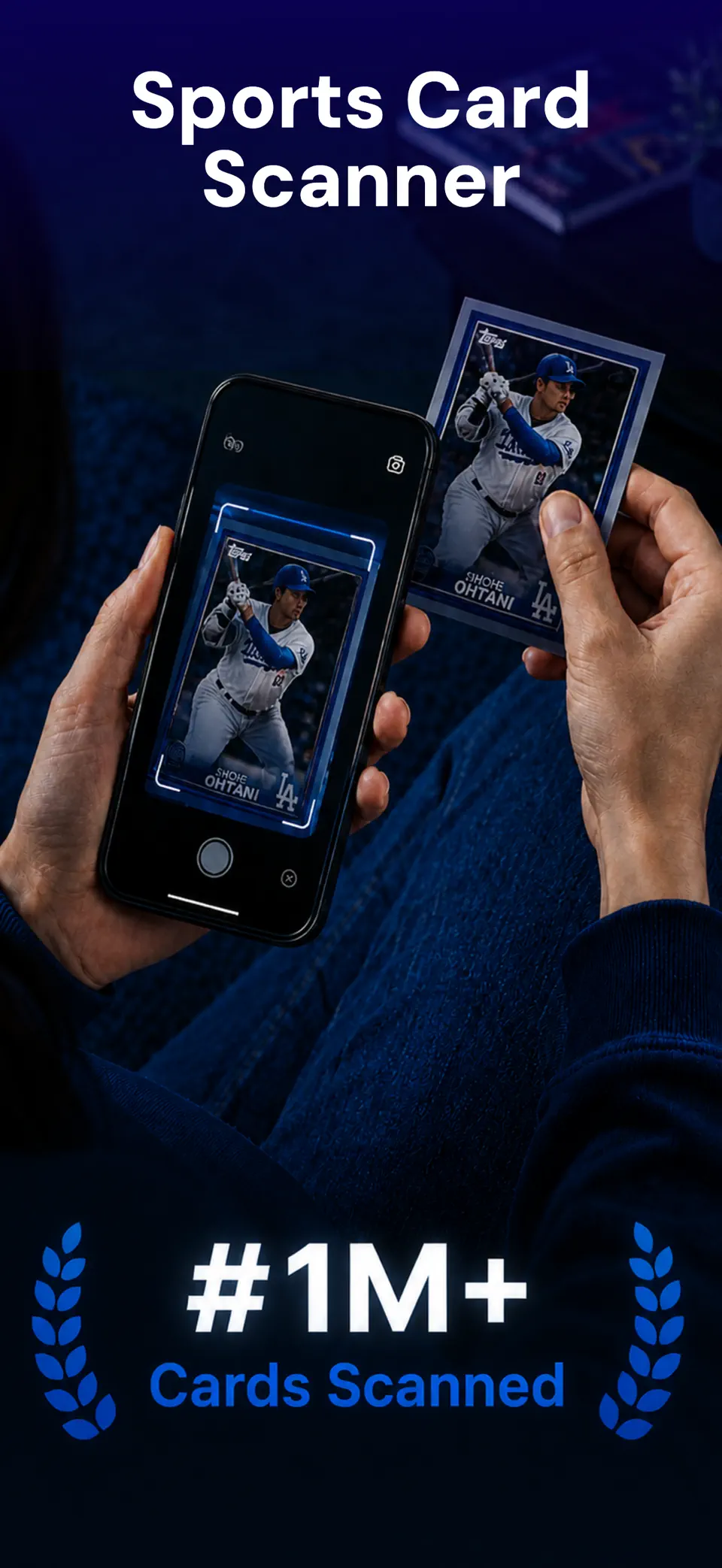
Whether you found one card or a box full, SnapCard gives you a simple place to start.
Center one card in the frame. SnapCard analyzes the image to find a likely match.
Review the card information and available value insights. Estimates can vary with condition and market activity.
Save cards to your collection, make checklists, and follow cards you want to keep an eye on.
From the first scan to the long-term collection, SnapCard brings useful tools together so you can spend less time sorting and more time collecting.
Looking for a baseball card scanner app? Follow our baseball scanning walkthrough to check the year, set, and card number before researching a value.
Explore SnapCard ↗Use a photo to find card details and browse the result.
01 / SCANGet an AI-assisted condition estimate to inform your next step.
02 / INSIGHTSave cards and see your collection in one place.
03 / COLLECTUse watchlists, checklists, and card discovery tools.
04 / FOLLOWThese App Store previews show the interface. Card artwork and displayed values are illustrative examples, not verified sales or current price quotes.
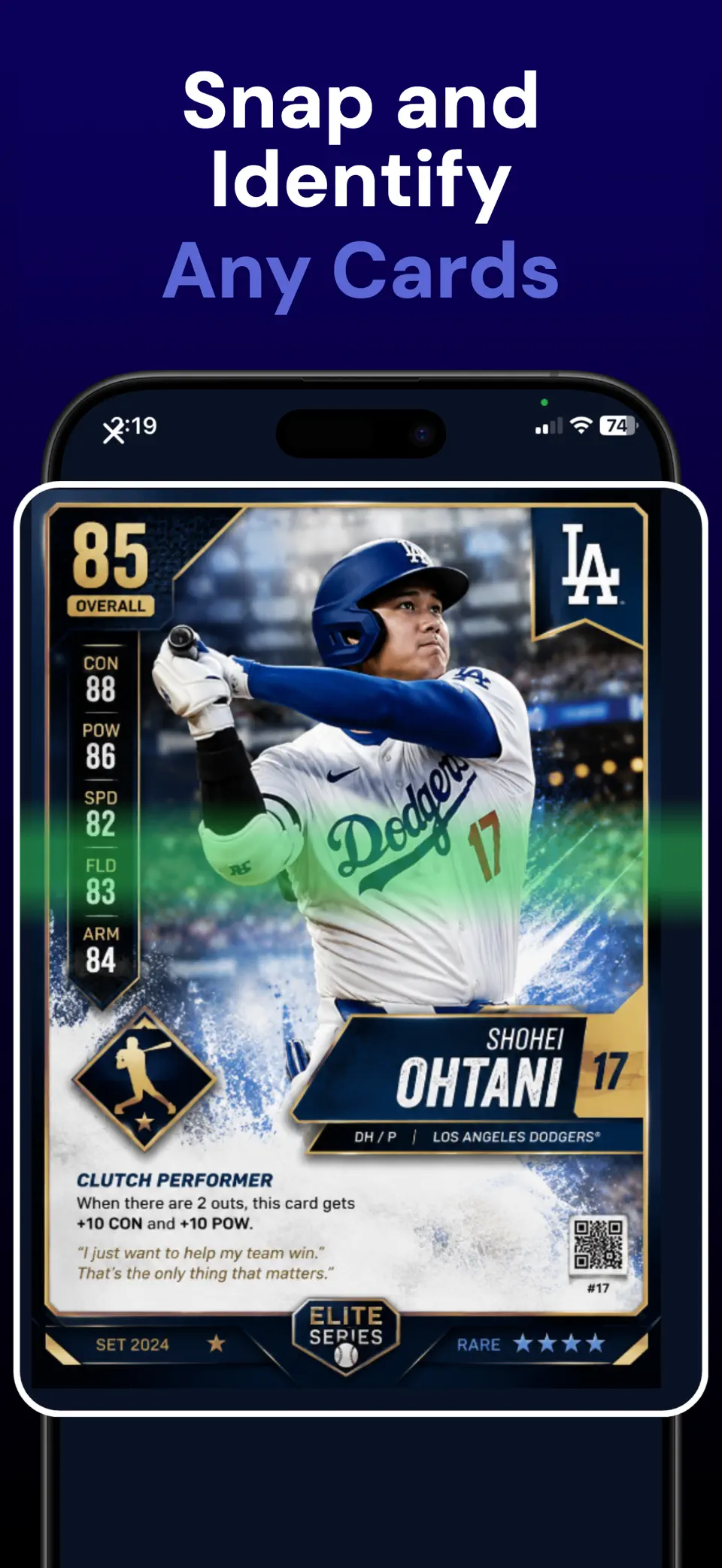
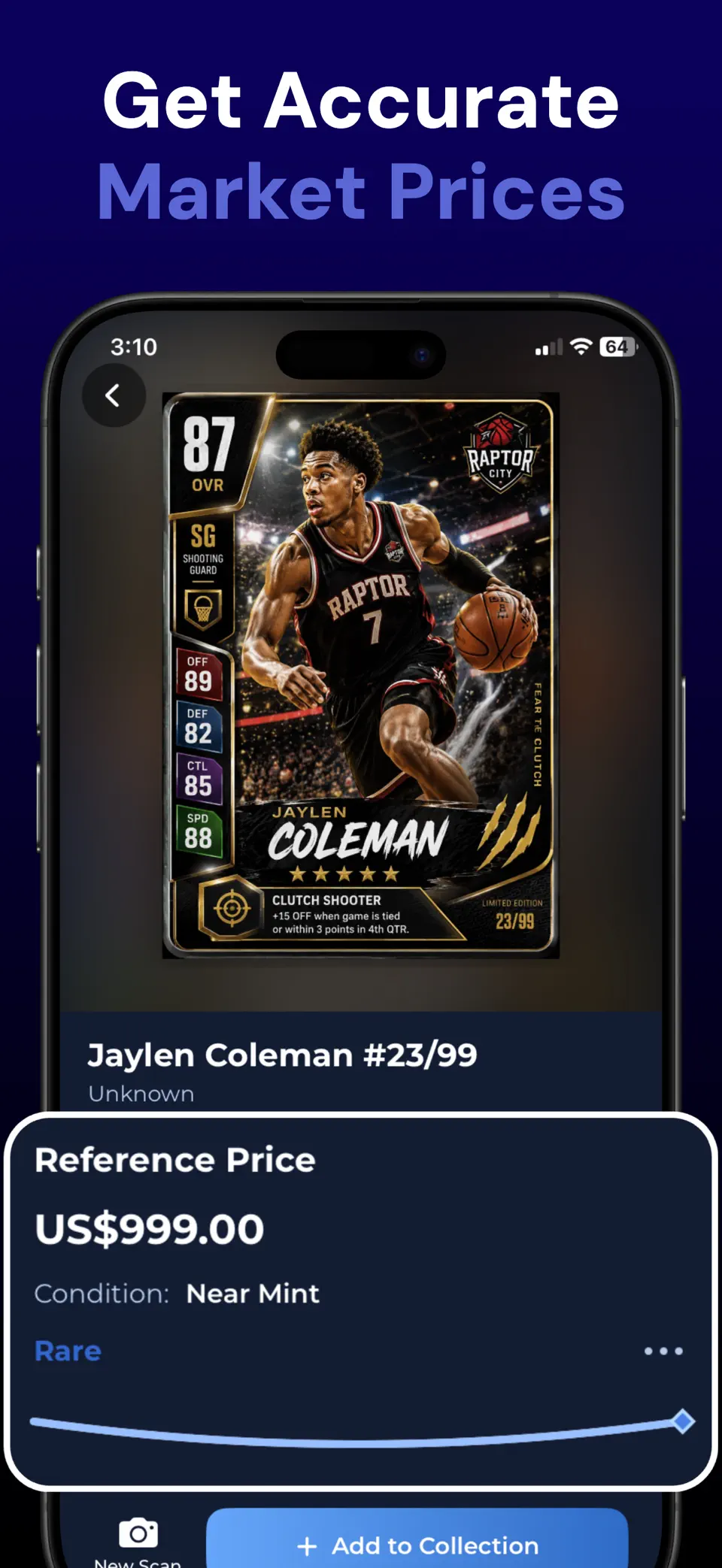
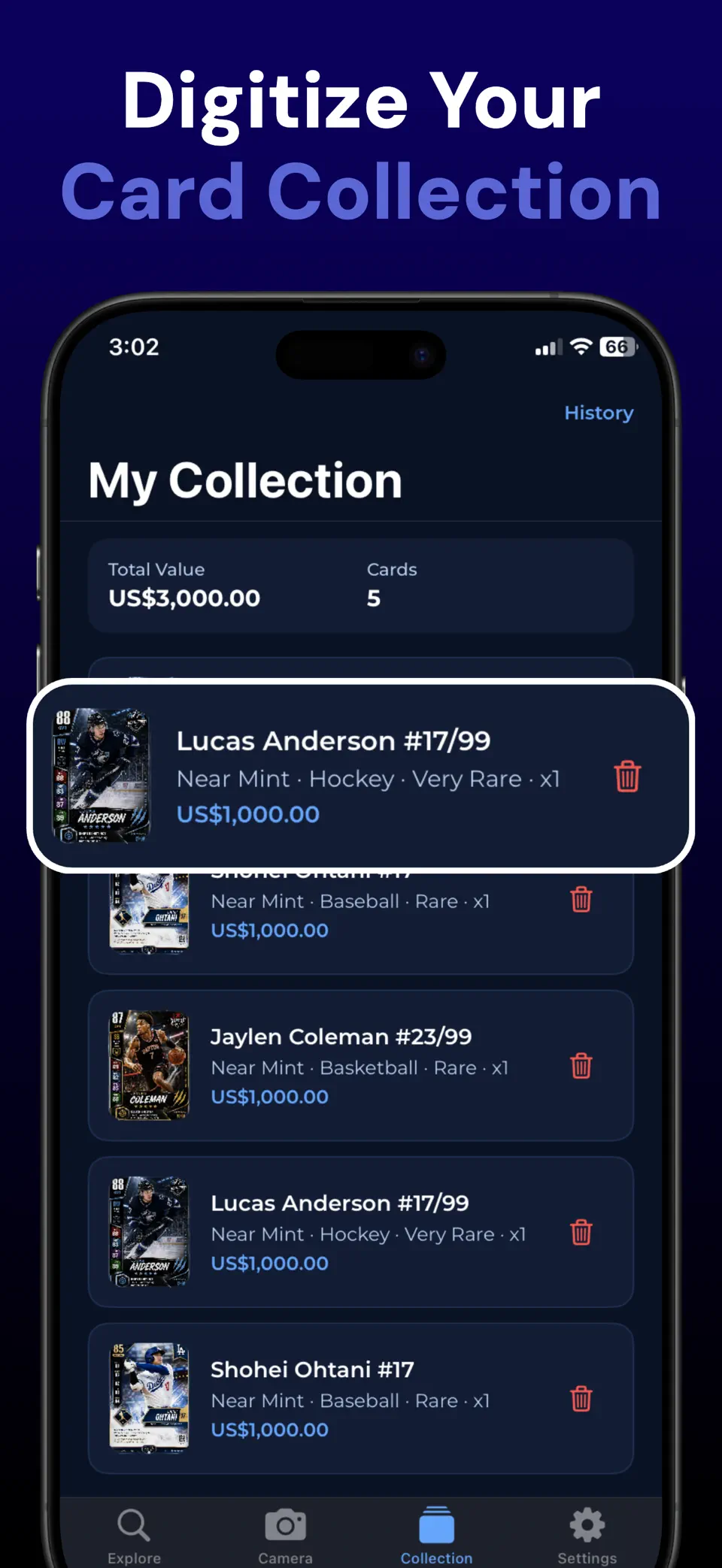
Start with the cards you already have. Learn their details, save the ones that matter to you, and build your collection at your own pace.
New to card scanning? Here are a few things to know before you start.
Get the app ↗SnapCard is an iPhone app for scanning and identifying collectible cards. Depending on the card and available data, it can show card information and value insights, help you review condition, and save cards to your collection.
SnapCard is designed for sports card collectors and supports a range of card categories. Recognition and available details can vary by card, edition, image quality, and catalog coverage.
No. Any value shown is an estimate for research purposes. Actual prices can vary based on condition, rarity, timing, venue, and buyer demand. Always review current comparable sales before buying or selling.
No. The app can provide an AI-assisted condition estimate, but it is not a professional grade and does not guarantee how a grading company will evaluate a card.
SnapCard is available for iPhone on the App Store. View SnapCard on the App Store for current compatibility, availability, and in-app purchase information.
Follow an app walkthrough, compare documented auction records, and build a collection workflow.
Scan a card. Learn something new. Keep building your collection.
Download SnapCard ↗Available on the App Store for iPhone